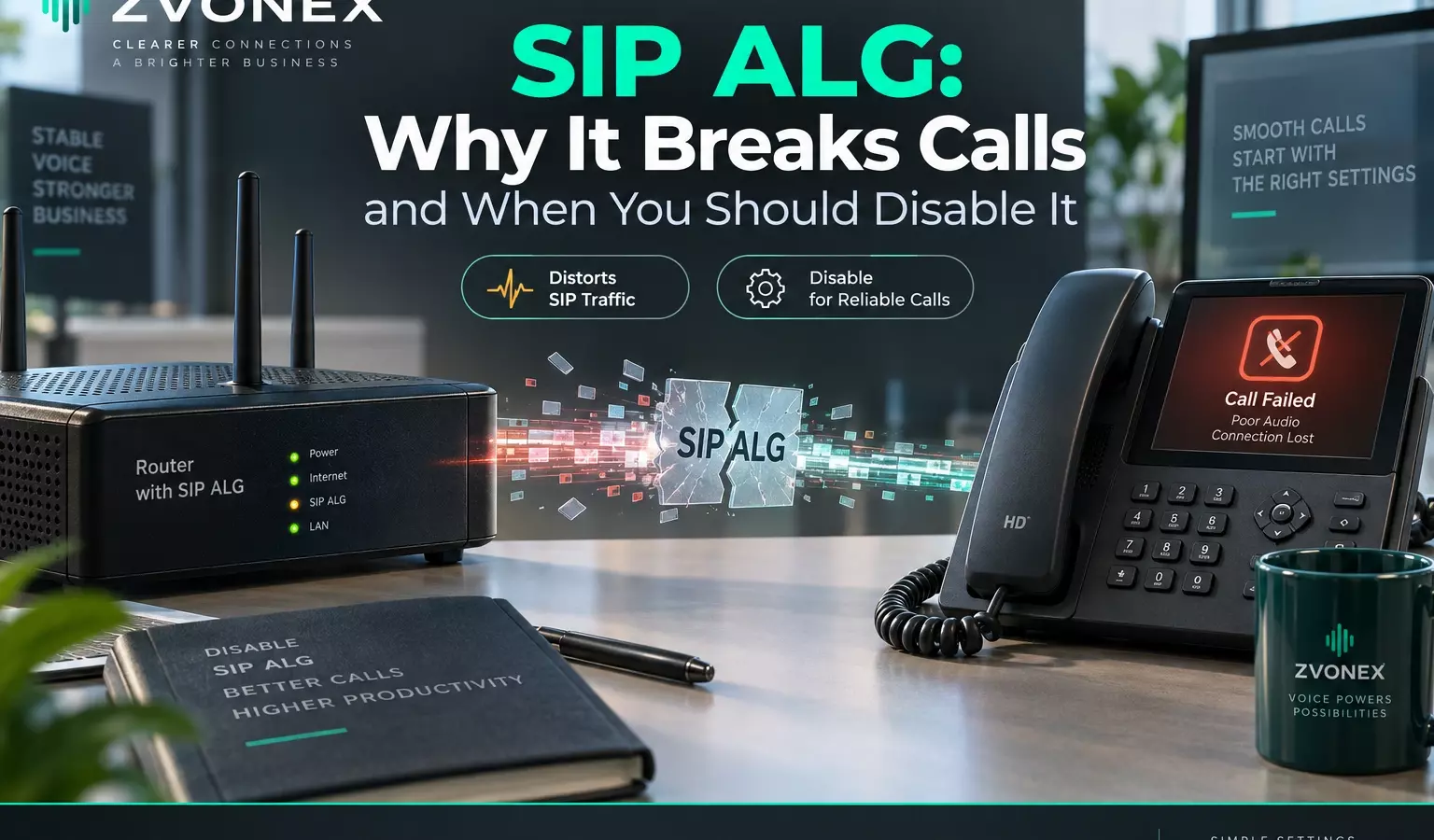
One-way audio or dropped calls justify investigating the call path. They do not, on their own, prove that SIP ALG is at fault. Start with a repeatable example.
What SIP ALG changes
An Application Layer Gateway is a feature on some routers that inspects SIP and may rewrite addresses or ports in signalling and SDP session descriptions. It aims to assist NAT traversal. A PBX, SBC or carrier may already handle those addresses, so an extra rewrite can introduce incompatibilities. Behaviour varies by router and firmware; there is no universal setting for every deployment.
Registration does not establish that media works
SIP controls call establishment, while audio normally travels in separate RTP streams. A successful REGISTER response checks only part of the path. An incorrect SDP address, unreachable media port or changed NAT state can break audio even when registration works. Firewall rules, double NAT and PBX settings can produce similar symptoms.
Collect evidence before changing the router
- Router model, firmware version and the current SIP ALG or equivalent setting.
- The locations of phones, PBX and SBC, including any double NAT.
- Affected scenarios: incoming, outgoing, transfers, all destinations or selected networks.
- A reproducible call time with time zone, duration and precise symptom.
- Where diagnostic access is available, agreed SIP traces and media-path information with credentials and unnecessary personal data removed.
Run a controlled comparison
- Back up the configuration and agree a maintenance window with the administrator.
- Make reference calls and record audio in both directions and termination behaviour.
- Change only the SIP ALG setting according to the device documentation, where agreed with the phone-system provider.
- Refresh sessions or registration if the manufacturer requires it; existing NAT state may persist.
- Repeat the same calls and compare results. If there is no improvement, restore the original setting and continue investigating.
Do not disable the firewall, open every port or simultaneously change codecs, NAT and routing for a single experiment.
Follow the symptom to the next check
For transfer-only faults, examine changes in the media path during the conversation. For failures after idle periods, investigate NAT state and registration timers. For one affected destination network, compare route behaviour and carrier-side examples. A symptom narrows the investigation; it does not establish the cause by itself.
Give support a useful incident description
Send ZVONEX the topology, example time, destination and before-and-after result. Explain exactly what changed and whether the original settings were restored. That provides more evidence than “ALG is off but calls still fail.” Never put SIP passwords or raw traces in website comments.
Further vendor guidance: Netgate documentation on NAT for VoIP. Always check the guide for the actual router model.