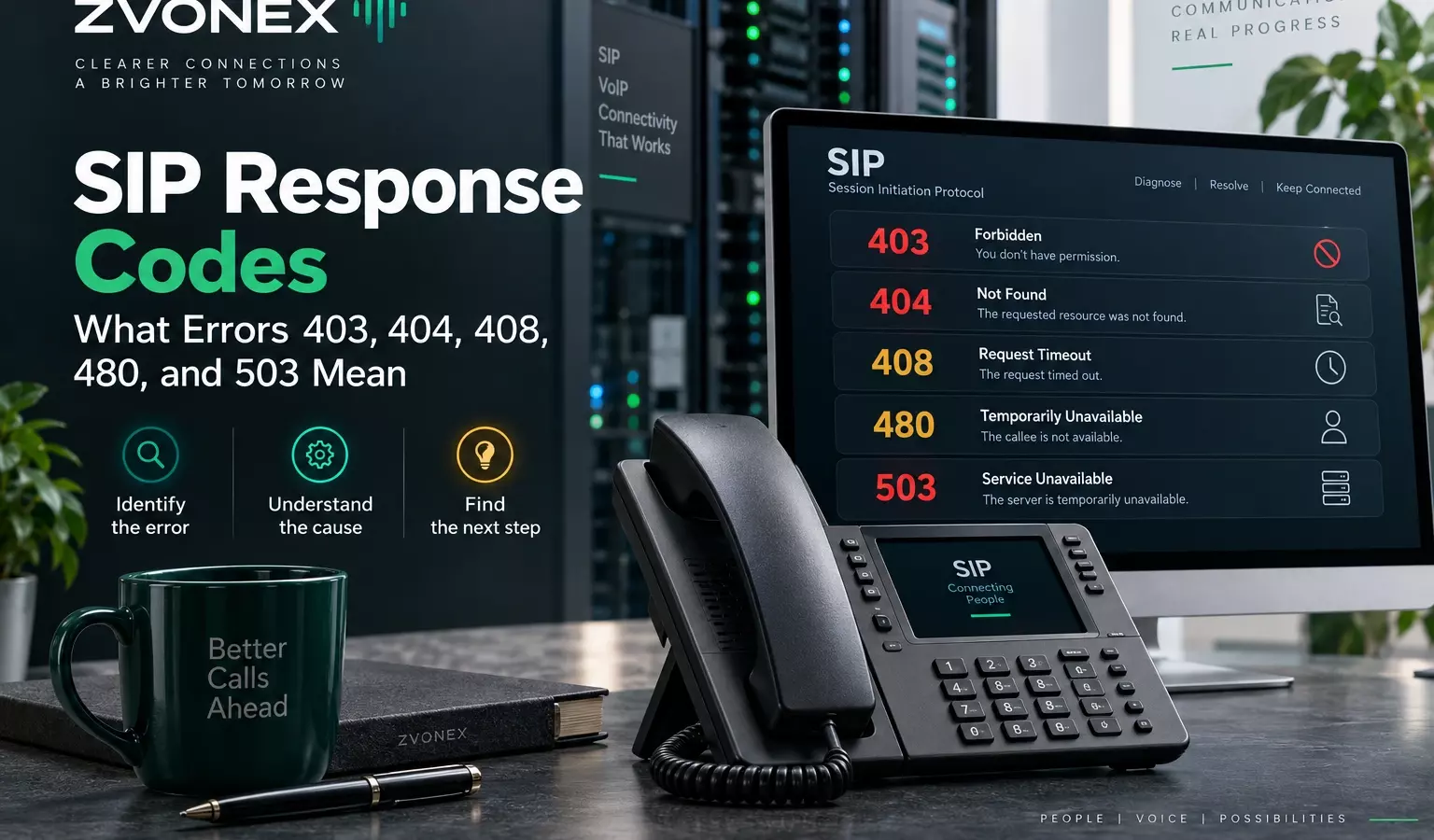
A response describes the handling of a request on a particular part of the route. Identify its sender, the SIP method and the surrounding exchange before assigning a cause.
403 Forbidden: the request is refused
The server understood the request but refuses to fulfil it. Check destination permissions, the authorised source IP or account, permitted Caller ID and service restrictions. A 403 is not automatic proof of a wrong password: authentication and access policy are different issues. Repeating an unchanged request without addressing the refusal is generally unhelpful.
404 Not Found: the addressed destination was not found
In SIP this concerns a user address in the specified domain, not an HTTP website page. Check the Request-URI, domain, number normalisation, prefixes and routing rule. It does not invariably establish that the telephone number is nonexistent; an intermediate system may generate the response because the request is addressed incorrectly.
408 Request Timeout: processing did not finish in time
The request could not be handled within the allowed time. Establish whether a server explicitly returned 408 or the local system recorded a response timeout. Check next-hop reachability, DNS where used, transport, access rules and NAT. Do not blindly extend timers: longer waits can conceal packet loss or an unreachable route.
480 Temporarily Unavailable: the called party is unavailable
The called party is temporarily unavailable. The next system may report an absent registration, an unavailable state or another temporary condition. Correlate the response with the destination, time and destination-system logs. Do not interpret every 480 as carrier overload or a permanently invalid number.
503 Service Unavailable: the server cannot serve the request now
The server may be overloaded or undergoing maintenance. Identify the responding node and check for a Retry-After header. Use an alternative route according to an agreed policy. Avoid endless immediate retries, which add load and can worsen the incident.
Build an incident record that can be investigated
- Record the exact time, time zone, destination and affected scenario.
- Identify the method: REGISTER, INVITE or another request.
- Correlate Call-ID, CSeq and message sequence where logs are available.
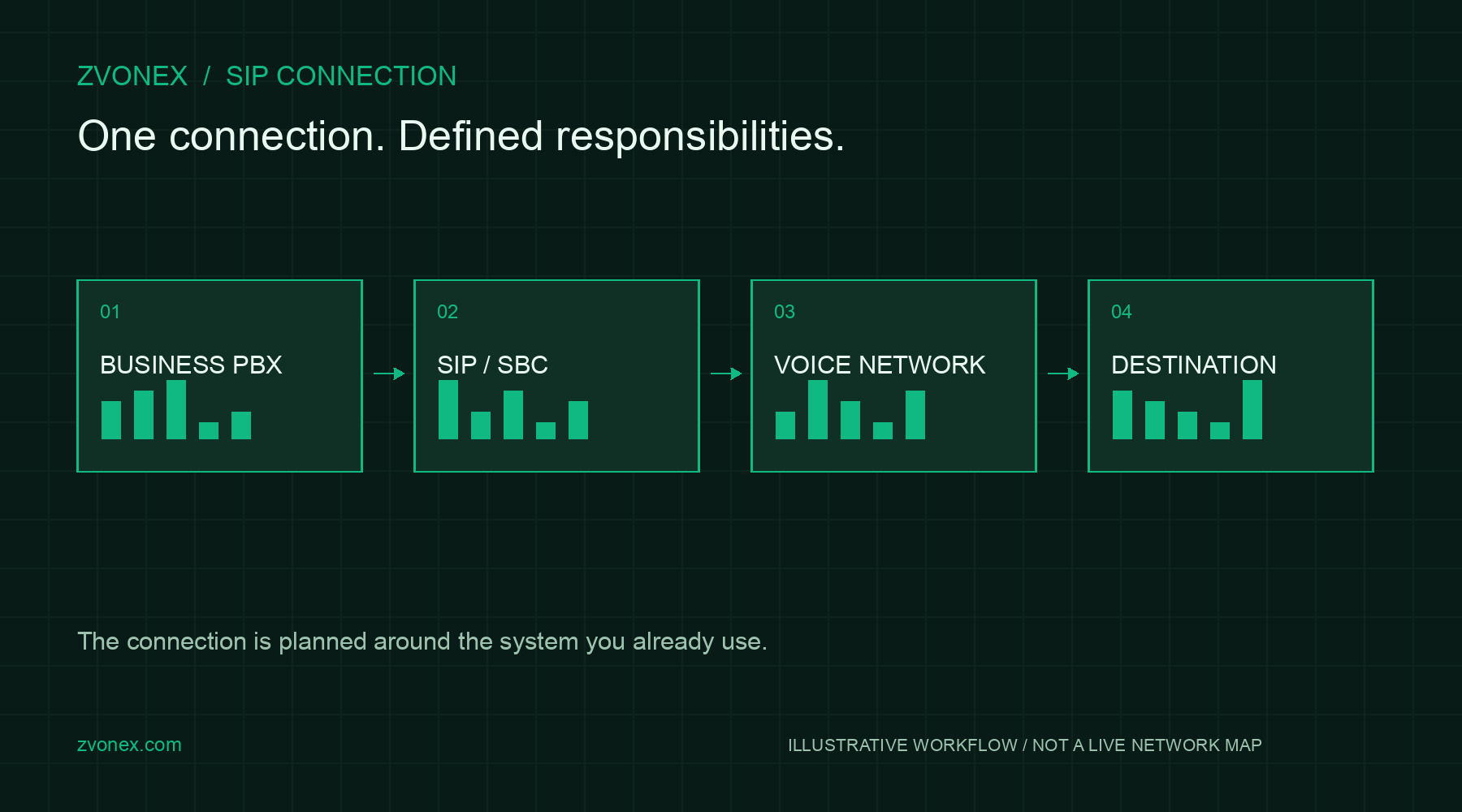
- Find the responding system: PBX, SBC, carrier or downstream network.
- Compare a successful call on the same path and record recent changes.
Credentials, authorisation headers and personal data in traces belong only in an agreed secure support channel, never on a public page.
Verify the call after the fix
Repeat the original scenario and check more than the disappearance of an error code. The call should establish, carry audio and terminate correctly. Record the change. Providers may map or transform responses, so conclusions need correlated traces and evidence from the systems involved.
Response definitions: RFC 3261 section 21.4 and section 21.5.4 for 503.